
October 27, 2025
Driving without a seatbelt or leaving your office unsecured overnight seems reckless—so why risk your online security without multifactor authentication (MFA)?
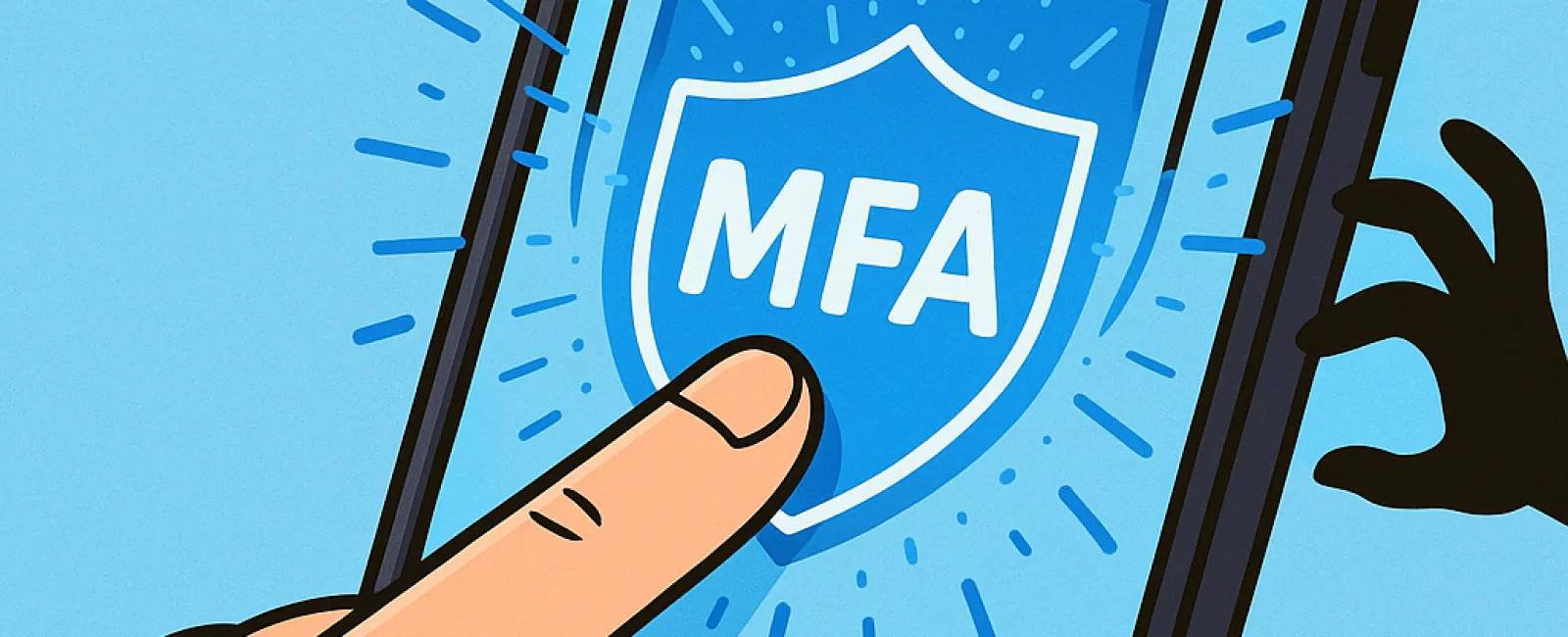
MFA acts as a robust second lock on your digital world. Instead of depending solely on a password—which can be stolen, guessed, or phished—it adds an additional verification step like a text message code, an authentication app confirmation, or even a fingerprint scan. This means that even if someone manages to obtain your password, they won't get far without this extra layer.
Just One Extra Step Can Protect Everything
Think of your password as locking your front door—adding MFA is like activating your alarm system before you go to bed. It might seem optional, but wouldn't you want that extra security if one layer fails?
That's the power of MFA: it introduces a simple yet powerful second step to ensure it's truly you logging in. Known by various names such as "two-step verification," "two-factor authentication," or "one-time password," they all serve the same purpose—adding multiple checkpoints to verify your identity before access is granted.
MFA options include confirmation emails during account setup, security questions, one-time text codes, push notifications, and phone calls. Most MFA methods require just a tap or quick code entry—easy, fast, and highly effective.
How MFA Defends You in Real Life
On your end, MFA is simple: just click a button or enter a code, and you're secure. For attackers, however, it presents a formidable barrier. If someone tries to access your account without authorization, MFA will immediately alert you—sending a notification or requesting a code—giving you the chance to change your password and stop breaches before data theft happens. It's a critical early warning system.
Even if a hacker tricks an employee into revealing login details, they still can't get past that additional MFA layer. According to Microsoft's research, MFA cuts the risk of account compromises by over 99.2%, soaring to 99.99% protection when fully enabled.
Essential Places to Activate MFA
Focus on enabling MFA for your most sensitive digital spaces:
- Banking and financial apps
- Email and cloud storage services
- Social media platforms
- Work accounts, especially those with client data or proprietary information
Setting up MFA is typically simple and quick. Most major services include built-in MFA options—choose what fits your workflow best and activate it to enhance your security. For organizations, adding an authenticator app is a smart way to shield employee access.
In summary, MFA is a powerful, cost-free shield against the bulk of cyberattacks. Spending just a few minutes today to implement it can save you from extensive data breaches and lengthy recovery efforts in the future.
The easiest way to get started with MFA is to reach out to your IT provider. A skilled Managed Service Provider (MSP) can streamline the setup process seamlessly. If you need expert cybersecurity guidance, click here or call us at 817-277-1001 to schedule your 15-Minute Discovery Call with our team today.


