
April Fools Day ends, leaving behind a clear calendar, but scam attempts persist relentlessly.
Unfortunately, cybercriminals aren't bound by calendars.
Spring is notorious for surging hacking attempts—not due to negligence, but because the pace of business picks up, causing distractions and oversight. During this busy season, subtle scams often slip past even the most cautious employees.
Below are three current scams targeting vigilant professionals who are simply trying to keep up with their workload.
As you review these examples, consider this: Does my team consistently take the time to identify each threat correctly?
Scam #1: Fake Toll or Parking Fee Alerts
An employee receives a text:
"You owe $6.99 for an unpaid toll. Pay within 12 hours to avoid penalties."
The message references genuine toll systems like E-ZPass, SunPass, or FasTrak, matching the employee's state. The small charge appears legitimate. Caught between meetings, the employee clicks, pays, and moves on.
But the payment link is fraudulent.
In 2024 alone, the FBI logged over 60,000 complaints about fake toll-related texts, with a staggering 900% increase in 2025. Researchers uncovered 60,000+ counterfeit domains mimicking official toll systems, highlighting the scam's booming profitability. Disturbingly, some victims live in states without toll roads.
This scam succeeds because the low fee seems harmless, and the recipient likely recently encountered tolls or paid for parking, making the message entirely credible.
How to defend: Legitimate toll agencies never request immediate payment through text links. Train your team to only pay via official websites or verified apps, never respond to suspicious texts—not even to stop messages, as replies confirm active numbers and invite more scams.
Prioritize process over convenience to stay safe.
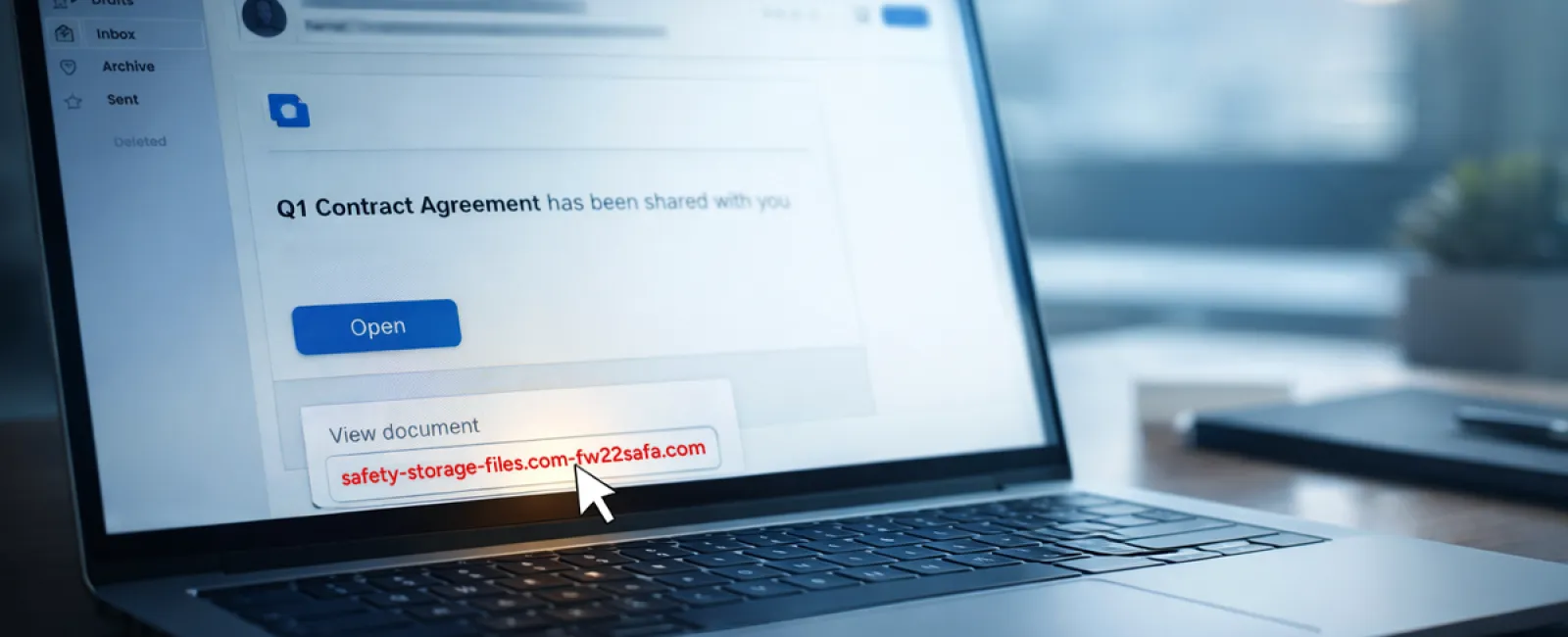
Scam #2: "Your File is Ready" Phishing Emails
This scam expertly blends into daily workflows.
An employee receives an email claiming a document was shared, often appearing as a trusted platform notification from DocuSign, OneDrive, or Google Drive.
The sender's name and email formatting appear authentic.
Upon clicking, the employee is asked to log in with work credentials.
Once entered, hackers gain access to the company's cloud environment.
Incidents involving phishing attempts through popular platforms surged 67% in 2025, as reported by KnowBe4's Threat Labs. Attacks using Google Slides links increased by over 200% in just six months.
Employees are seven times more likely to trust links from recognized platforms like OneDrive than unknown sources because these notifications look legitimate.
Advanced scammers even use compromised accounts to send sharing notifications, which come directly from legitimate servers like Google's, bypassing spam filters.
How to defend: Train your team never to click email links for shared files unless they expect them. Instead, access platforms directly via browser to verify files. Reduce risk by limiting external sharing permissions and enabling alerts for unusual logins—simple settings your IT team can activate quickly.
Consistent habits yield powerful security.
Scam #3: Sophisticated, Well-Written Phishing Emails
Gone are the days when phishing emails were glaringly obvious due to poor spelling or weird formatting.
Today, AI-generated phishing messages achieve a 54% click rate versus just 12% for human-written scams, as revealed by a 2025 study. These emails are highly personalized, referencing actual company details sourced from LinkedIn and official sites.
Scams now target specific departments: HR receives fake employee verifications; finance teams get fraudulent vendor payment requests. In one test, 72% of employees responded to vendor impersonation emails—90% higher than other phishing types. These messages mimic typical workplace communications with calm professionalism and subtle urgency.
How to defend: Verify any requests involving credentials, payments, or sensitive data through a secondary method—phone call, instant message, or face-to-face confirmation. Always hover over email addresses to confirm domains before clicking links. Treat any sense of urgency as a red flag.
True security fosters caution without panic.
The Bottom Line
These scams exploit routine familiarity, authority, timing, and the assumption that "it'll only take a moment."
The greatest threat isn't careless employees but flawed systems that expect flawless judgment under pressure.
One rushed click causing chaos signals a process failure—not a people failure.
Thankfully, these process vulnerabilities can be corrected.
How We Support You
Business owners don't want extra projects or to become the sole gatekeepers of cybersecurity training.
They want assurance their business isn't quietly vulnerable.
If you're worried about your team's security—or know someone who should be—we're ready to talk.
Book a straightforward discovery call to explore:
• Real-time cyber risks facing businesses like yours
• Common entry points where threats infiltrate daily operations
• Practical strategies to strengthen defenses without hindering productivity
No pressure, no scare tactics—just open dialogue to identify and eliminate risks.
Click here or give us a call at 817-277-1001 to schedule your free 15-Minute Discovery Call.
If this message isn't relevant to you, please forward it to someone who would benefit. Often, awareness alone transforms a "click" into a "blocked attempt."


