
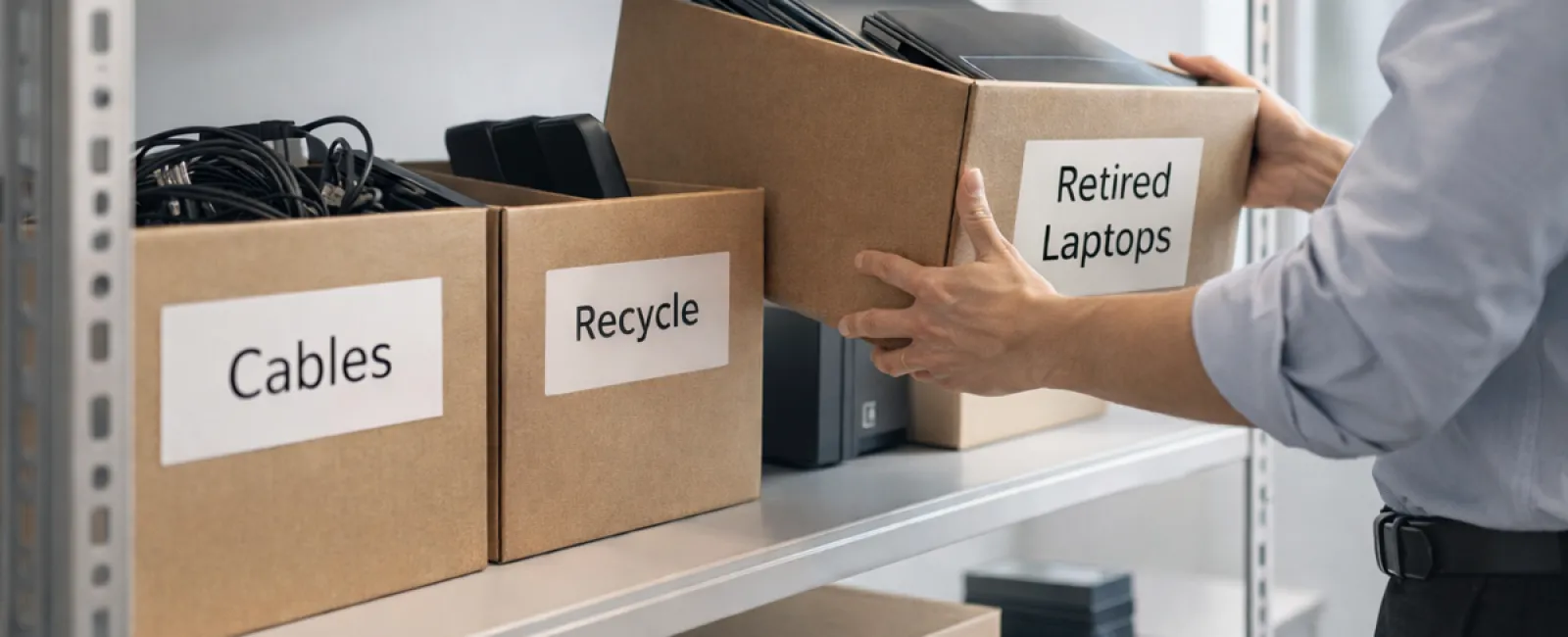
While many organizations think of spring cleaning as a closet task, the real clutter often resides beyond clothes—within your business technology.
It's not just server racks; obsolete devices often pile up in storage rooms, back offices, or in "we'll tackle this later" piles.
Old laptops, decommissioned printers, backup drives from outdated systems, and tangled cables that nobody dares to discard—these accumulate everywhere.
Every company faces this buildup.
The key isn't identifying the clutter, but developing a clear plan for what comes next.
Technology Follows a Lifecycle Beyond Just the Purchase Date
Purchasing new tech usually answers a specific need: enhanced speed, better security, superior capability, or supporting growth.
While many firms carefully strategize tech purchases, few have a plan for retiring equipment effectively.
Equipment retirement often happens quietly: new gear replaces old, which then gets sidelined until someone decides to clear the clutter.
This is typical.
What's uncommon is handling the retirement stage with the same deliberate care as the initial purchase.
Outdated technology still holds residual value, recyclable parts, and possibly sensitive data. If ignored, it hampers operations by occupying space and attention.
Spring offers the perfect opportunity to evaluate: which tech remains useful and which is just clutter?
An Effective Four-Step Strategy to Refresh Your Tech Inventory
Turn your "we should do this" thoughts into action using this straightforward process.
Step 1: Conduct a thorough inventory
Identify precisely what's being retired—laptops, phones, printers, networking equipment, external drives. You can't manage what you don't know, and a quick audit often uncovers surprising items.
Step 2: Choose the proper destination
Equipment generally falls into three categories: reuse (internal redeployment or donations), recycle (via certified e-waste programs), or destruction (for data-sensitive devices). The crucial part is an intentional decision to avoid indefinite storage.
Step 3: Prepare devices with care
Discipline during device prep is critical.
For reused or donated gear, remove devices from management systems, revoke access, and verify thorough data wiping—not just factory resets. Simple file deletion or formatting doesn't erase data; it only removes indexing.
A study by Blancco found that 42% of used drives sold on eBay still contained sensitive info, despite sellers claiming full wiping. Certified data erasure overwrites every sector and provides verification reports.
If recycling, always use certified e-waste vendors instead of dumpsters or curbside. Note: Retail programs like Best Buy's do not accept business electronics.
Businesses should engage certified IT asset disposition (ITAD) services or commercial e-waste recyclers with e-Stewards or R2 certifications (searchable via e-stewards.org and sustainableelectronics.org). Your IT provider can often coordinate this for you.
For destruction, use certified wiping methods or physical means like shredding or degaussing, documenting serial numbers, method, dates, and personnel involved.
This ensures security isn't just assumed but proven.
Step 4: Document and close the process
Once equipment leaves your premises, track where it went, how it was processed, and confirm access removal. Clear documentation eliminates uncertainties.
Hidden Tech Often Overlooked
Laptops get noticed, but other hardware is commonly neglected.
Phones and tablets may still harbor email accounts, contacts, or authentication apps. Certified mobile wiping tools offer deeper cleans than simple factory resets. Major brands like Apple and Samsung provide trade-in options that can offset new purchase costs.
Printers and copiers often contain internal hard drives storing all printed, scanned, copied, or faxed data. When returning leased machines, request a written confirmation that drives will be erased or removed before redeployment.
Batteries are considered hazardous waste by the EPA. In many states, businesses must not discard rechargeable batteries in regular trash. Remove batteries when you can, tape terminals to avoid short circuits, and recycle through certified drop-off points like Call2Recycle.org, Staples, Home Depot, or Lowe's.
External drives and archived servers often linger too long. Don't skip applying the same retirement standards to these devices.
Note on Responsible Recycling
Earth Day in April shines a light on environmental stewardship—an important reminder.
The global electronic waste stream exceeds 62 million metric tons annually, yet only about 22% is properly recycled. Components like batteries, monitors, and circuit boards require specialized recycling streams. Certified e-waste options are widely available in most communities for this purpose.
When managed responsibly, technology retirement protects the environment while supporting operational efficiency and security. You don't have to sacrifice responsibility for safety — you can achieve both.
Highlighting these practices subtly on your company's social channels can impress customers who value responsible business conduct.
Unlocking Greater Potential
Spring cleaning isn't just about discarding items; it's about creating space to grow.
Clearing out old equipment is key, but use this opportunity to ask bigger questions: is your technology truly empowering your business strategy?
Hardware evolves, but software, automation, and process design increasingly drive success and profitability.
Cleaning out obsolete devices is smart upkeep, and aligning remaining technology to your goals propels your business forward.
How We Support You
If you already have a smooth equipment retirement process in place, you're on the right track. It should feel straightforward and routine.
While upgrading hardware responsibly, it's also wise to review your entire technology ecosystem. Are your systems efficient? Are tools integrated? Is your tech stack driving growth or simply maintaining the status quo?
If you'd like to pause and assess how your technology, systems, and processes support productivity and profitability, we're ready to help with that conversation.
No sales pitch. No equipment checklist. Just honest advice on optimizing technology for your business.
Click here or give us a call at 817-277-1001 to schedule your free 15-Minute Discovery Call.
If this inspired you, feel free to share it with another business leader.
Spring cleaning goes beyond closets—it's about optimizing the systems powering your business.


