
December 08, 2025
Imagine you're deep into a five-hour road trip visiting family during the holidays. Your daughter asks, "Can I play Roblox on your laptop?" Your work laptop — the one holding sensitive client files, financial records, and critical business systems. After all the packing and the long drive ahead, entertaining her seems like a small favor. But is it really worth the risk?
Holiday travel introduces unique security challenges you don't encounter in your daily routine. Distractions, exhaustion, connecting to untrusted networks, and mixing family fun with quick work-check-ins all increase your exposure to cyber threats. Whether your trip is business, leisure, or a bit of both, here's how to safeguard your data while keeping the holiday spirit alive.
Pre-Trip Essentials: Secure Your Devices in 15 Minutes
Invest just 15 minutes before departure to fortify your devices for a hassle-free trip:
Device Essentials:
- Update all security patches and software
- Back up vital files to a reliable cloud service
- Enable auto screen lock with a timeout of two minutes or less
- Activate "Find My Device" features on phones and laptops
- Fully charge your portable power bank
- Pack your own chargers and compatible adapters
Family Communication:
- Clarify which gadgets children are allowed to use
- Provide a dedicated family tablet or secondary device for entertainment
- Set up separate user accounts on your laptop if kids must use it
Pro tip: To avoid data breaches, bring a tablet that's never linked to your work accounts for your kids' screen time—a modest investment compared to the risks.
Hotel WiFi Risks: Avoid the Common Pitfalls
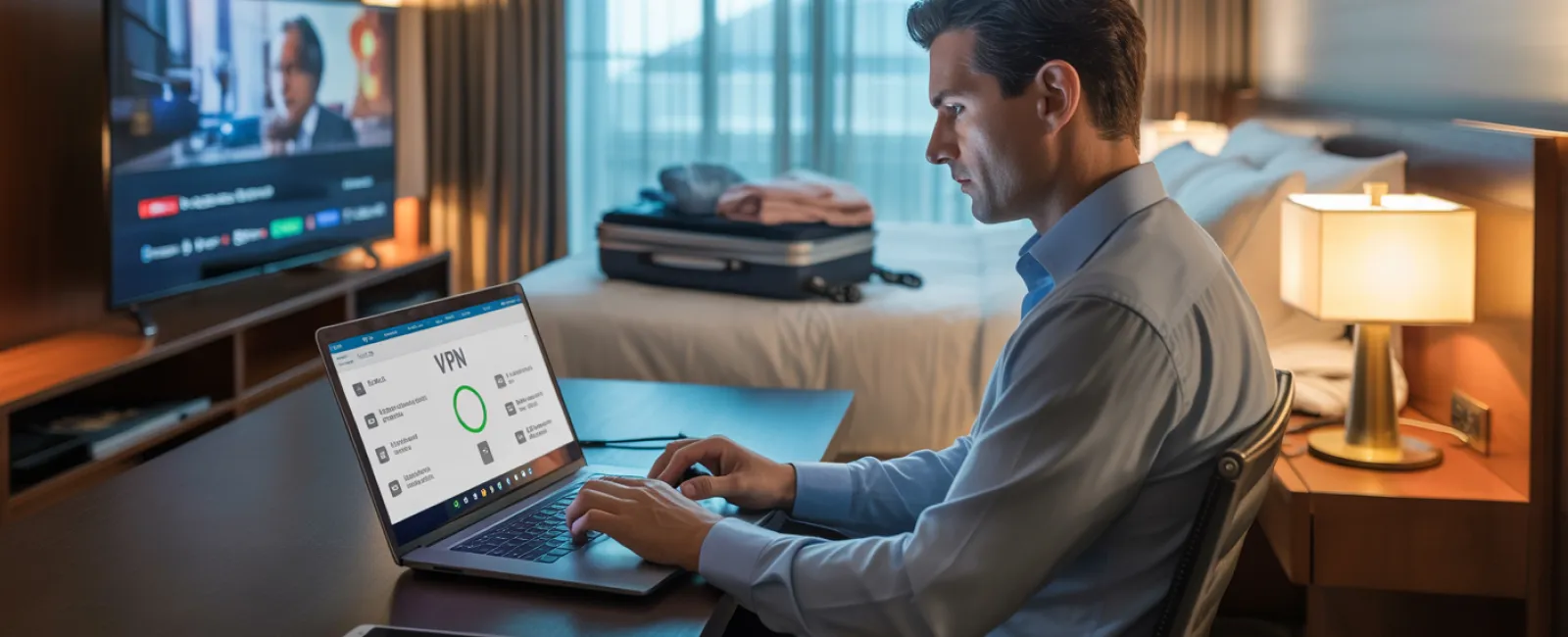
Upon hotel check-in, it's tempting to connect every device — phones, tablets, laptops, gaming consoles — to the free WiFi. While streaming shows or catching up on emails might seem harmless, hotel networks are shared spaces filled with hundreds of users, some with malicious intent.
True story: A family connected to a WiFi that impersonated their hotel's network, unknowingly exposing passwords, credit card info, and emails for two days straight.
How to stay protected:
Confirm the official network name by asking the front desk directly; don't connect on a guess.
Use a VPN for work-related access — it encrypts your traffic and keeps sensitive data safe.
Prefer your phone's hotspot for confidential tasks like banking or client work instead of hotel WiFi.
Separate work and leisure traffic — let kids stream cartoons on hotel WiFi, but reserve your hotspot for business activities.
Kids Using Your Work Laptop? Think Twice
Your work laptop contains your emails, bank accounts, client files, and critical business applications. Kids playing games or browsing YouTube on it can unintentionally cause security breaches.
Why this is risky: Children might download unsafe files, click on suspicious links, share passwords, or fail to log out — all innocent behaviors that can threaten your cybersecurity.
Your options:
Politely but firmly say no to using work devices — offer a separate, kid-friendly gadget instead.
If sharing is unavoidable:
- Set up a limited-access user account
- Supervise their use actively
- Block downloads and software installations
- Ensure no passwords are saved on the device
- Clear browsing history and cache immediately after use
Even better: Bring a dedicated family device on your trip that's kept separate from your work environment.
Streaming on Hotel TVs: Don't Forget to Log Out
Watching a movie on a hotel's smart TV is convenient, but logging into your personal accounts can leave your credentials accessible to the next guests if you forget to sign out.
The consequences: Unauthorized users can access your streaming accounts—and in the worst case, use reused passwords to breach other sensitive accounts.
Stay secure with these tips:
- Cast content from your personal device instead of logging into the TV
- Set a reminder on your phone to log out of hotel TVs before departure
- Better yet, download shows to your device in advance and skip the hotel TV altogether
Never log into the following on shared TVs:
- Banking apps
- Work accounts
- Email services
- Social media
- Any account containing payment information
Lost a Device? Act Fast
Travel chaos means devices can easily get misplaced. If your device goes missing:
Within the first hour:
- Use "Find My Device" to locate or lock it remotely
- If recovery isn't immediate, lock the device from afar
- Change critical account passwords on another device
- Inform your IT support or MSP to revoke company access
- Notify stakeholders if sensitive business data was at risk
Pre-travel safeguards:
- Enable remote tracking
- Employ strong passwords
- Activate full disk encryption
- Set up remote wipe capabilities
Family member lost a device? Apply the same steps immediately to protect their data.
The Rental Car Bluetooth Data Risk
Linking your phone to a rental car's Bluetooth system often shares contacts, calls, and even message previews. This sensitive data can remain accessible after you return the vehicle.
Quick 30-second checklist before returning the car:
- Remove your phone from the car's Bluetooth devices
- Clear recent GPS destinations
- Or simply avoid Bluetooth and use an aux cable instead
Setting Boundaries During a "Working Vacation"
You intended to unplug, but find yourself checking email obsessively, taking calls, and working while the family enjoys activities. This constant switching reduces focus and increases security risks like clicking unsafe links or using untrusted networks.
Practical boundary setting:
- Limit work email checks to two scheduled times daily
- Use your phone's hotspot—not hotel WiFi—for work
- Work privately in your hotel room, away from public view
- Be fully engaged during family time with no multitasking
Ultimately, taking genuine time off enhances your security awareness and productivity.
Adopt a Smart Holiday Security Mindset
Striking the right balance between family moments and work responsibilities on holiday is challenging. Sometimes your child truly needs your laptop; sometimes urgent emails demand your attention. The key is intentional risk management:
- Prepare your devices thoroughly before travel
- Recognize high-risk activities (like hotel WiFi for banking) and low-risk options (using a personal hotspot for email)
- Separate work data from family use whenever possible
- Have a clear action plan in case of a security incident
- Know when to say "Not on this device," and mean it
Create Holiday Memories Without Security Headaches
The holidays should focus on joy and connection—not dealing with data breaches or client fallout. With a bit of advance planning and some simple rules, you can keep your business secure without spoiling the fun. That way, your family enjoys the holiday, your business stays protected, and everyone benefits.
Need expert guidance to set up travel security policies for yourself and your team? Click here or call us at 817-277-1001 to schedule a free 15-Minute Discovery Call. We'll help craft practical, effective plans that safeguard your business without complicating your travels.
Because the most memorable holiday story should never be, "Remember when Dad's laptop got hacked?"


