
February 09, 2026
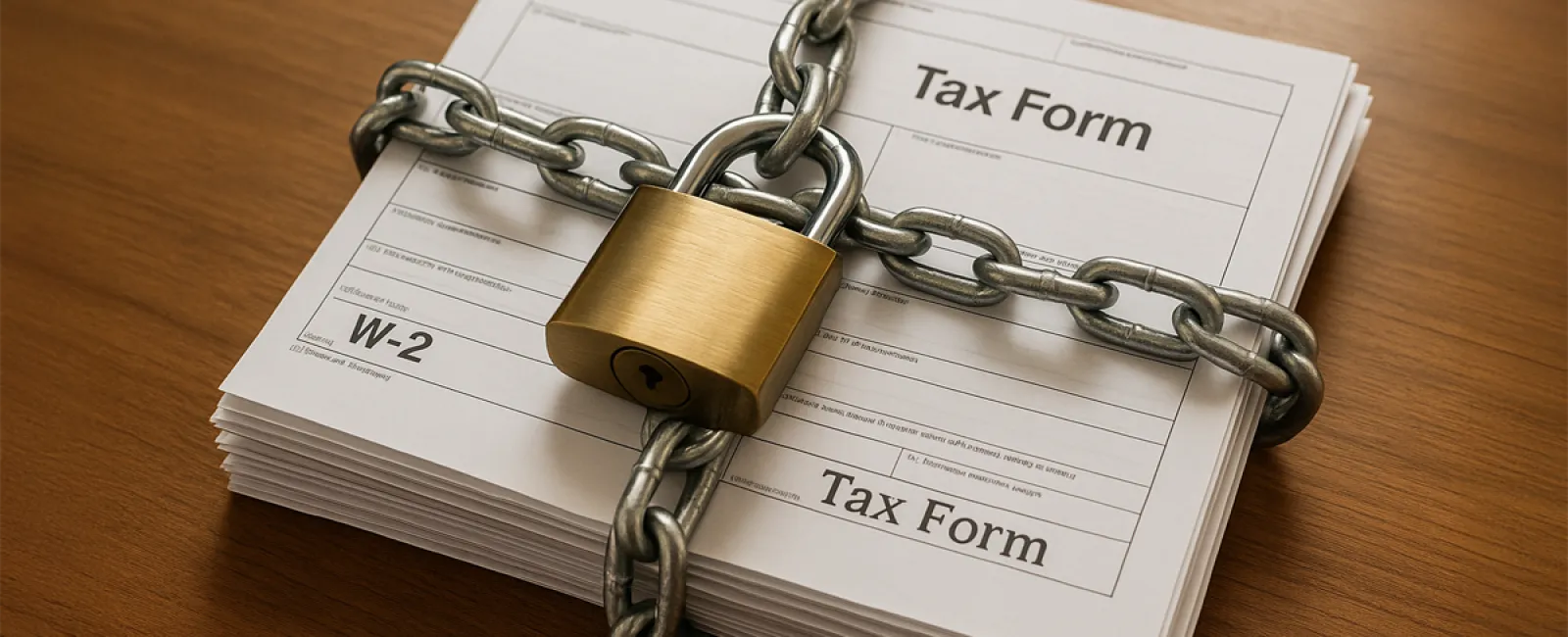
February has arrived, and with it, tax season is gearing up. Your accountant is busier than ever, your bookkeeper is gathering documents, and everyone's minds are focused on W-2s, 1099s, and imminent deadlines.
But here's the often-overlooked truth: the real tax season headache usually isn't paperwork—it's a scam.
One particular scam emerges early, well before April, because it's clever, convincing, and targets small businesses. It might even be lurking in someone's inbox in your company right now.
The W-2 Scam: Understanding the Mechanism
Here's how it unfolds:
An employee responsible for payroll or HR receives an email that appears to come from the CEO, owner, or a top executive.
The message is brief but urgent:
"I need copies of all employee W-2s for an important meeting with our accountant. Can you send them over immediately? I'm swamped today."
It feels legitimate—the tone is right, the urgency makes sense during tax season, and the request seems perfectly reasonable.
The employee complies and sends the W-2s.
But the email wasn't really from the CEO. It was a sophisticated phishing attempt using a spoofed email or a domain that looks almost identical.
Now, the attacker has access to every employee's:
• Full legal name
• Social Security number
• Home address
• Salary details
All the critical information needed for identity theft and filing fraudulent tax returns ahead of your employees.
Aftermath: What Victims Face
This is usually how the problem comes to light:
An employee files their tax return only to have it rejected with the message: "Return already filed for this Social Security number."
Someone else has already submitted a return and collected the refund.
This employee now copes with IRS inquiries, credit monitoring services, identity theft protection, and months of frustrating paperwork—all because of a document they unknowingly shared.
Imagine this happening across your entire payroll and having to explain that sensitive personal information was compromised due to a convincing fake email.
Beyond a cybersecurity breach, this is a trust crisis, an HR challenge, a potential legal risk, and a blow to your company's reputation.
Why This Scam is So Effective
This isn't a clumsy phishing attempt from an unknown sender. It's crafted to fool even the cautious.
It succeeds because:
The timing is on point. W-2s are expected in February, so no one questions such requests.
The request sounds legitimate. It's not demanding money or gifts but something that's genuinely shared during tax season.
The urgency feels typical. A message like "I'm swamped, can you send this quickly?" blends right into a fast-paced office environment.
The sender appears credible. Attackers research carefully, using real names and crafting authentic-looking emails.
Employees want to be helpful. Desire to assist the boss often overrides skepticism.
How to Shield Your Business Before This Scam Strikes
The silver lining? This scam is avoidable, and prevention depends more on rules and awareness than complex technology.
Establish a strict "no W-2s via email" policy. No exceptions. Sensitive payroll documents should never be sent outside your secure systems through email. Always refuse such requests, even if they appear to come from top executives.
Always confirm sensitive requests through a separate channel—phone call, in-person, or internal chat. Use contact information you already have, never rely on details in the suspicious email. This simple 30-second step can prevent months of remediation.
Hold a brief, focused training session on tax-related scams now—don't wait until tax season peaks. Inform payroll and HR teams of what to watch for and how to respond. Awareness acts as your best defense.
Enhance security by enforcing multi-factor authentication (MFA) on all systems handling employee data. If credentials are compromised, MFA stops attackers in their tracks.
Cultivate a company culture that values verification. Employees who double-check suspicious requests should be commended for their vigilance, not penalized. Encouraging skepticism is your strongest ally against scams.
These five straightforward steps can be implemented within days and provide robust protection against initial attacks.
The Broader Threat Landscape
The W-2 scam is just the beginning.
From now until April, anticipate a surge of tax-themed cyberattacks, including:
• Fraudulent IRS notices demanding instant payments
• Phishing emails masquerading as tax software updates
• Fake messages from "your accountant" containing harmful links
• Bogus invoices disguised as legitimate tax expenses
Cybercriminals exploit tax season because distractions run high and financial demands seem routine.
Businesses that navigate tax season safely aren't lucky—they're prepared.
They have clear policies, targeted training, and systems in place that identify threats before damage occurs.
Is Your Business Equipped to Handle Tax Season Risks?
If you've already implemented safeguards and trained your team to recognize scams, you're ahead of many small businesses.
If not, the best time to act is now—not after disaster strikes.
If this sounds like your situation, consider scheduling a 15-minute Tax Season Security Check.
During this review, we'll examine:
• Payroll and HR access controls plus MFA
• Your current W-2 request verification procedures
• Email security measures against spoofing
• A critical policy adjustment most businesses overlook
If your business is already prepared, fantastic. But if you know someone who could benefit from this, please share this article—it could save them from a costly and stressful ordeal.
Click here or give us a call at 817-277-1001 to schedule your free 15-Minute Discovery Call.
Because tax season is difficult enough without adding the burden of identity theft.


